NFC
Just tap the phone
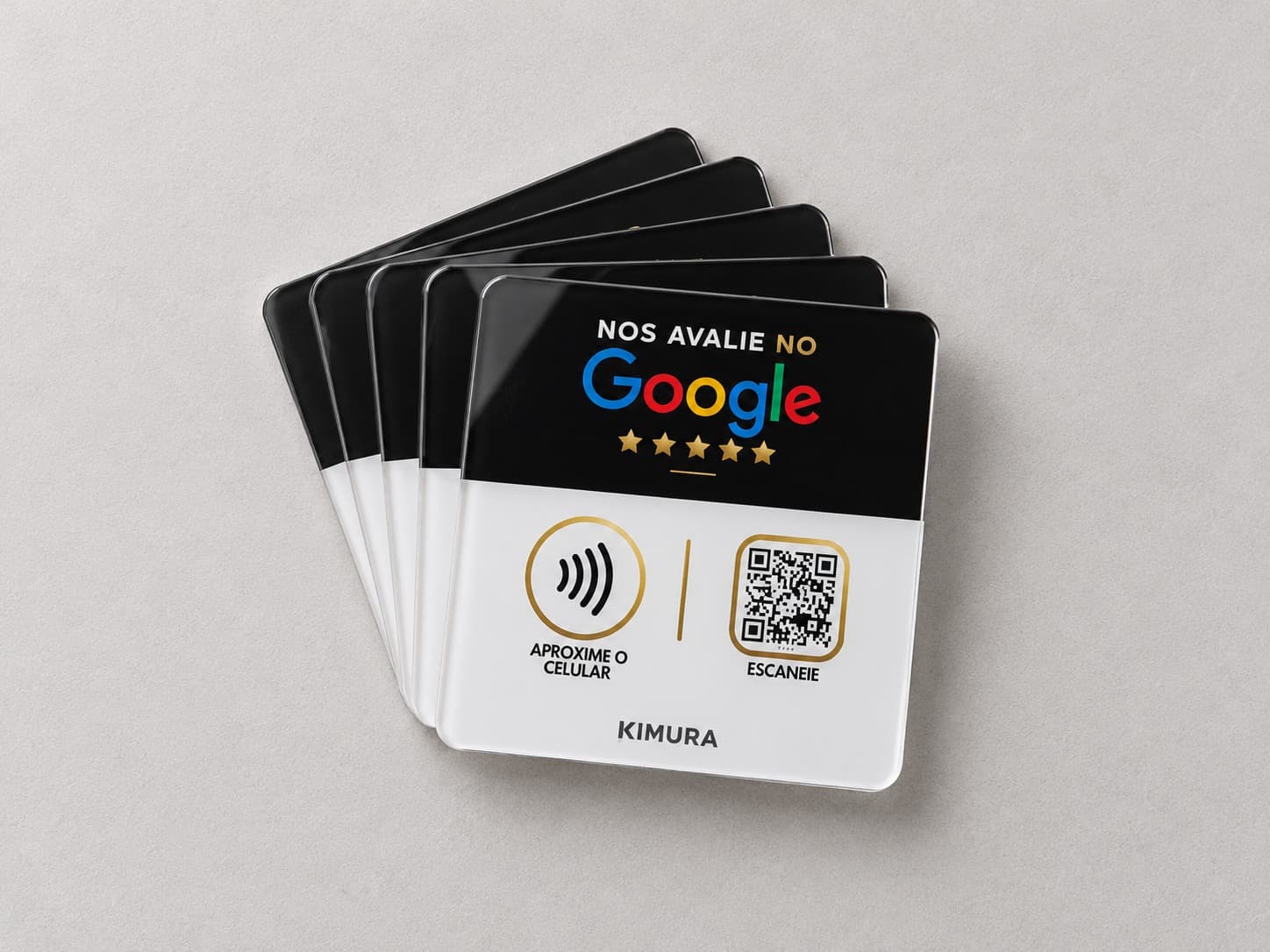
The customer taps their phone on the NFC symbol and the link written to the chip opens. You write the chip with an app such as NFC Tools. The phone needs NFC turned on.

How it works
See how the plate takes the business's customers to the review page and how you control each plate's QR code from the dashboard.
NFC
The customer taps their phone on the NFC symbol and the link written to the chip opens. You write the chip with an app such as NFC Tools. The phone needs NFC turned on.
QR code
Anyone not using NFC points the phone camera at the QR code and the destination you set in the dashboard opens.
Dynamic QR code
The QR code doesn't go straight to Google: it passes through a Kimura link, which forwards the customer to the destination you chose in the dashboard. Each QR code has a serial number printed right below it.
Plate QR code
With a serial number
Kimura link
You choose the destination
Review page
Of the business that bought from you
Dashboard
No monthly fee and no time limit. Every plate you sold is in one place.
Tapping works on phones with NFC turned on. The QR code can be read by the camera of virtually any current phone.
They tap their phone on the NFC symbol or point the camera at the QR code. The QR code opens the destination you set in the dashboard; NFC opens the link you wrote to the chip.
You write the chip yourself, with an app such as NFC Tools, using any link you want. NFC doesn't go through the dashboard: the dashboard controls the dynamic QR code.
Automatically. When the payment is approved, the order's plates are added to your account with the serial numbers printed below each QR code. Just open the plate in the dashboard and set the destination.
Yes, the QR code's. It's dynamic: you change the link in the dashboard and the plate stays the same.
Tapping works on phones with NFC turned on. The QR code can be read by the camera of virtually any current phone.
How many reads each plate's QR code received, by period, the latest read and the times with the most reads. NFC taps don't show up, because you write the chip yourself.
Build your first kit from 5 plates and set everything up from the dashboard.